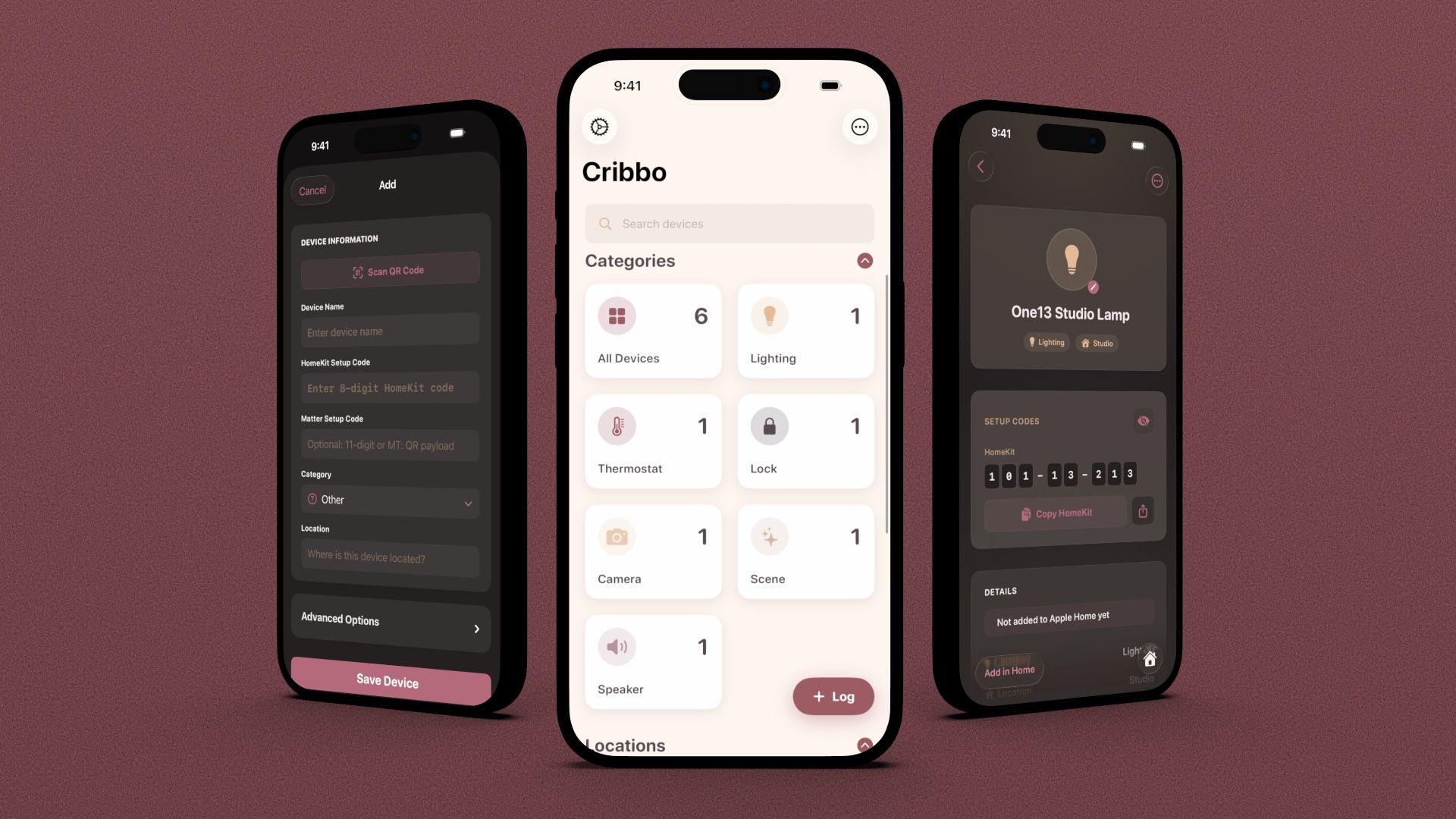
Cribbo app screenshot

Cribbo

Never lose a smart home code again.

Download on the App Store

Available for $1.99 as a one-time purchase.

Introducing Cribbo — a beautiful smart home code organizer
Import Your Collection

Add Your HomeKit & Matter Devices

Cribbo supports one-click importing of your existing smart home devices for quicker setup.

Setup codes are not imported.

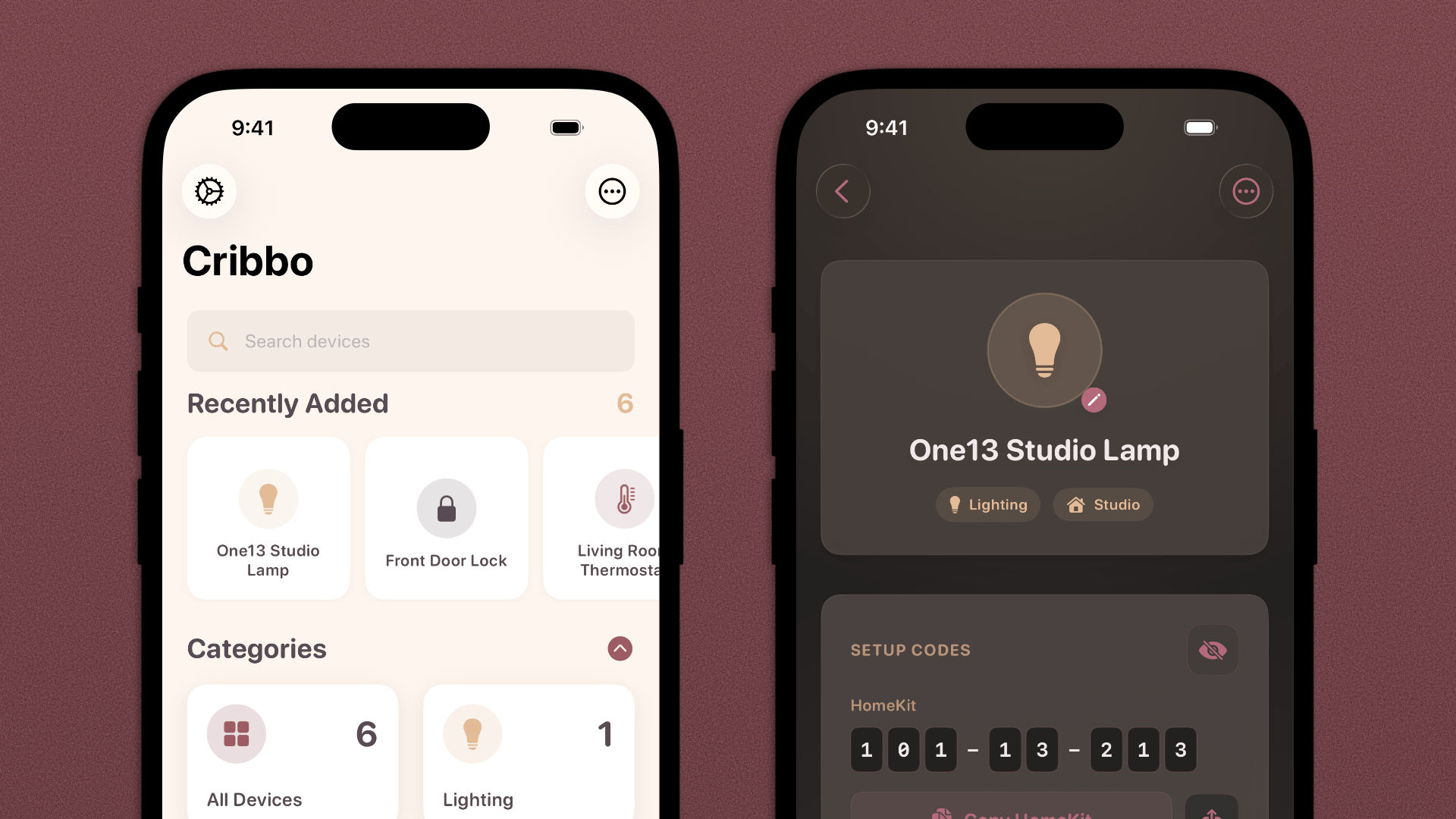
Cribbo app screenshots
Safely secure your setup codes.
Keep your codes safe and readily available using on-device protections.
Face ID & Touch ID supported.
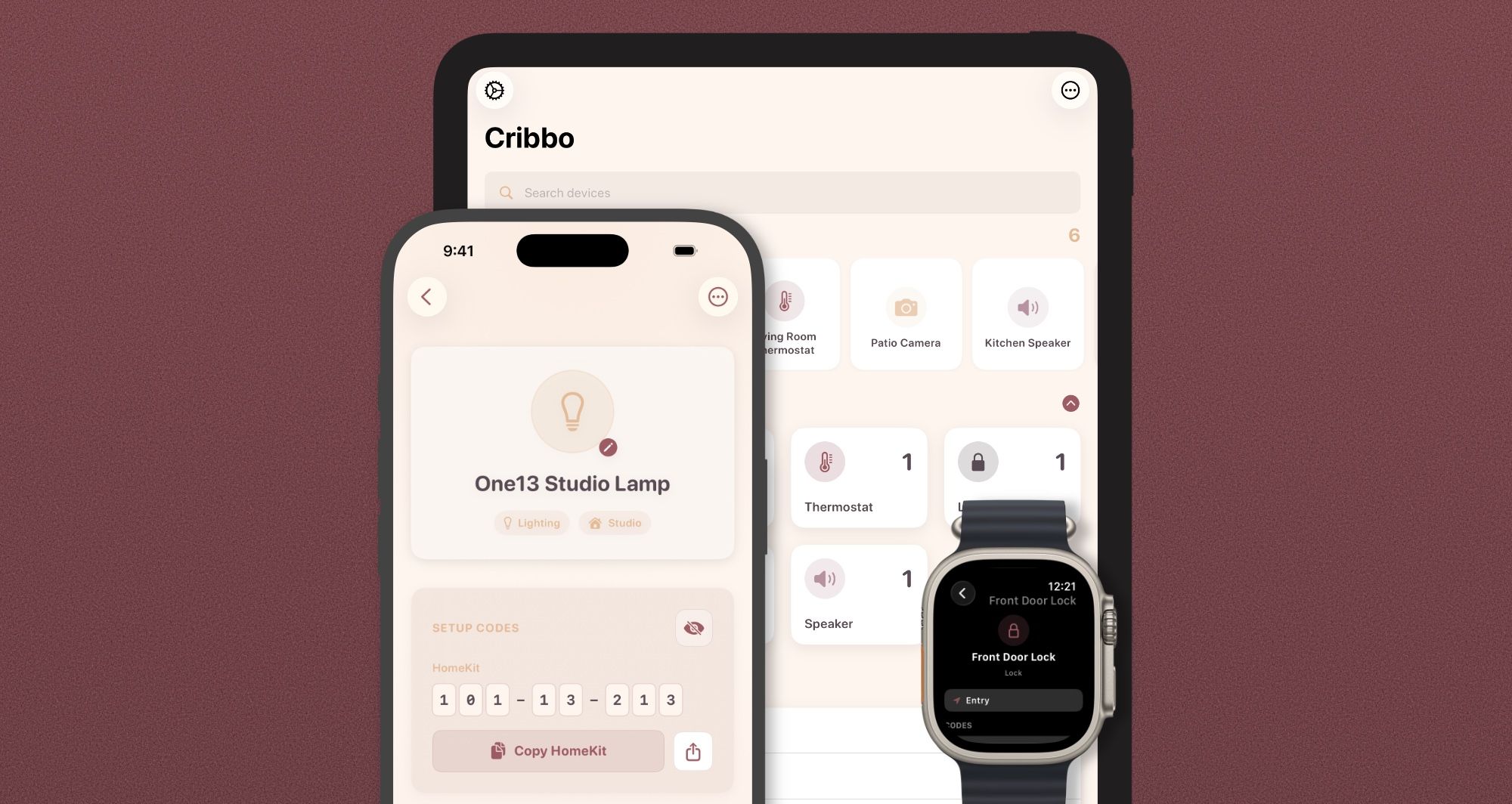
Syncs across your devices.
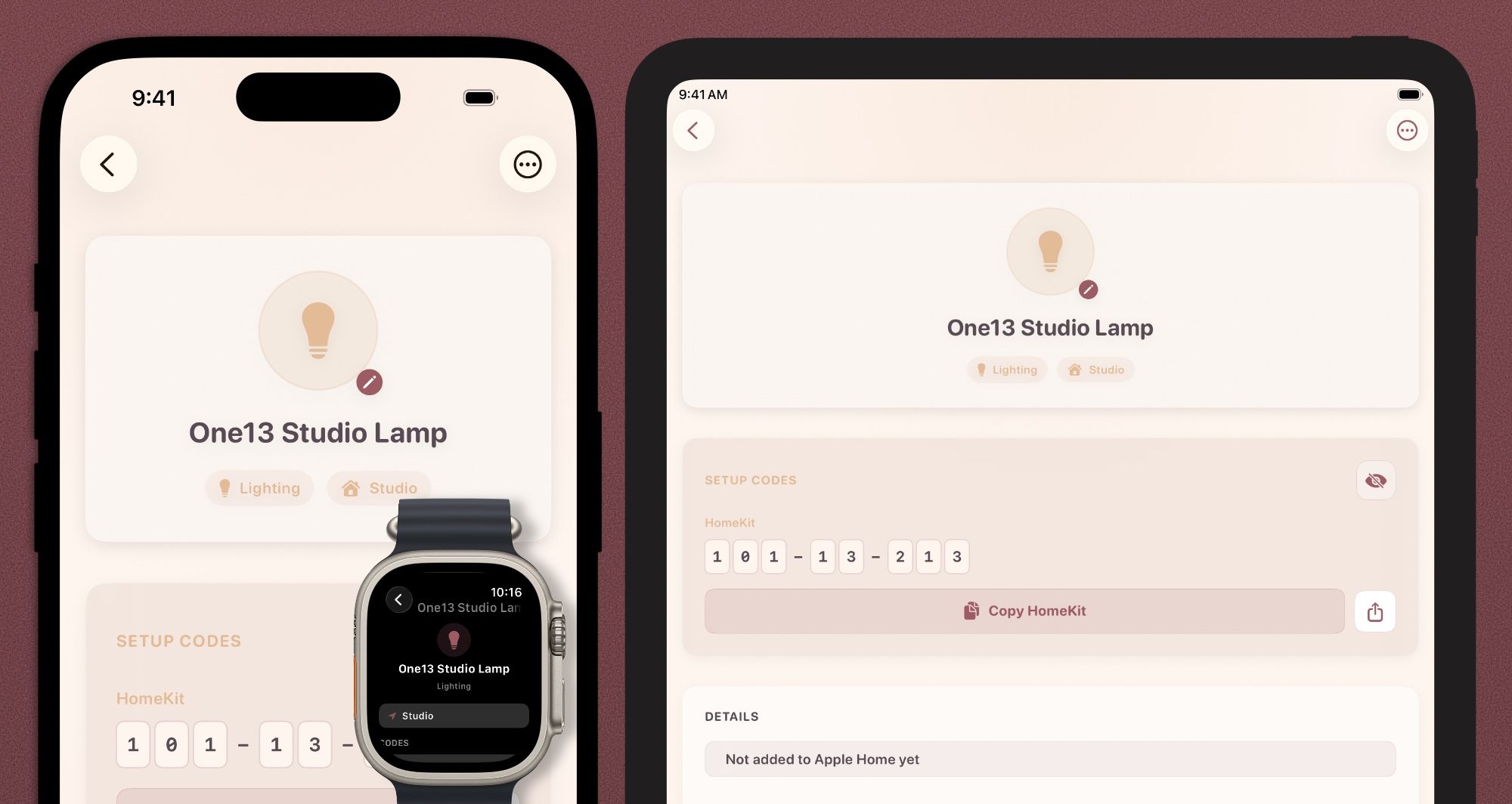
Access your codes from any of your Apple devices.
Codes are synced by Apple Account.
Remember Every Code

Moving? Cribbo has you covered.

Cribbo keeps every setup code private, safe, and secure.
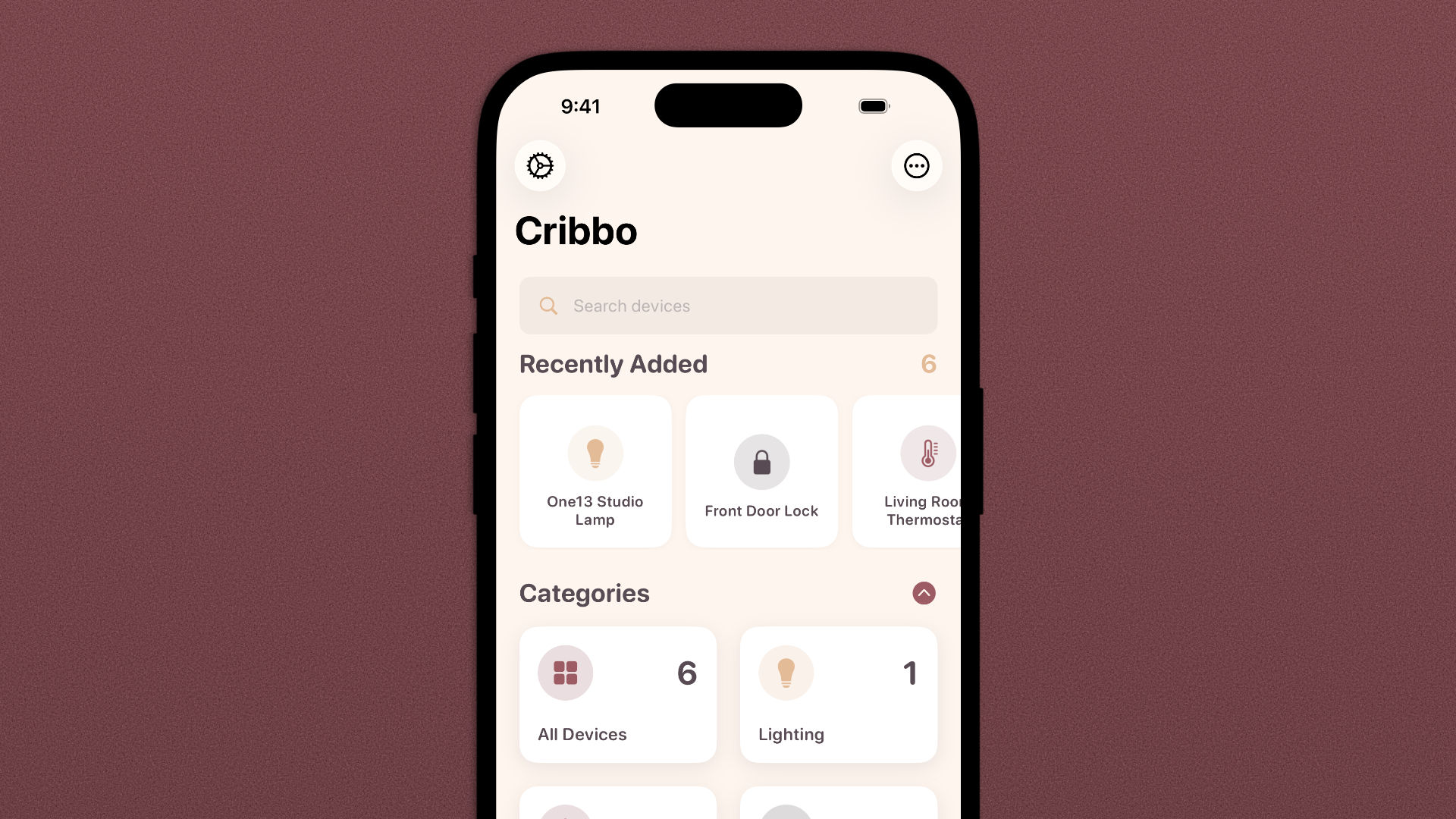
View all devices
View all of your devices in one app.
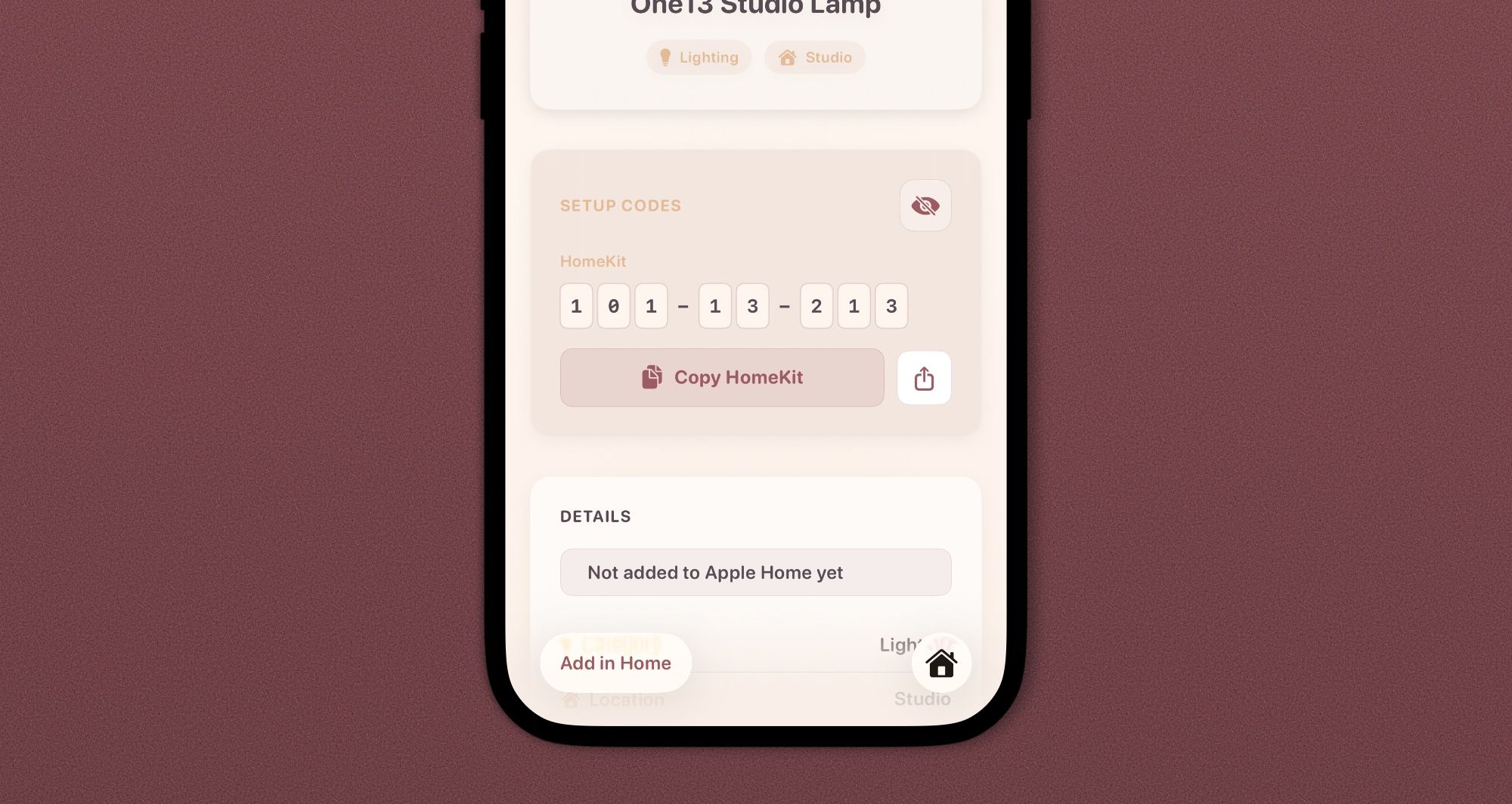
Save and view codes
Save and view your codes.
Encrypted backups
Create encrypted backups and exports.
Syncs across Apple devices
Syncs across Apple devices.
Take Your Codes with You

Quickly create encrypted backups and exports.

Your codes stay yours, and Cribbo supports basic and encrypted exports if you find other tools more attractive (you won't).

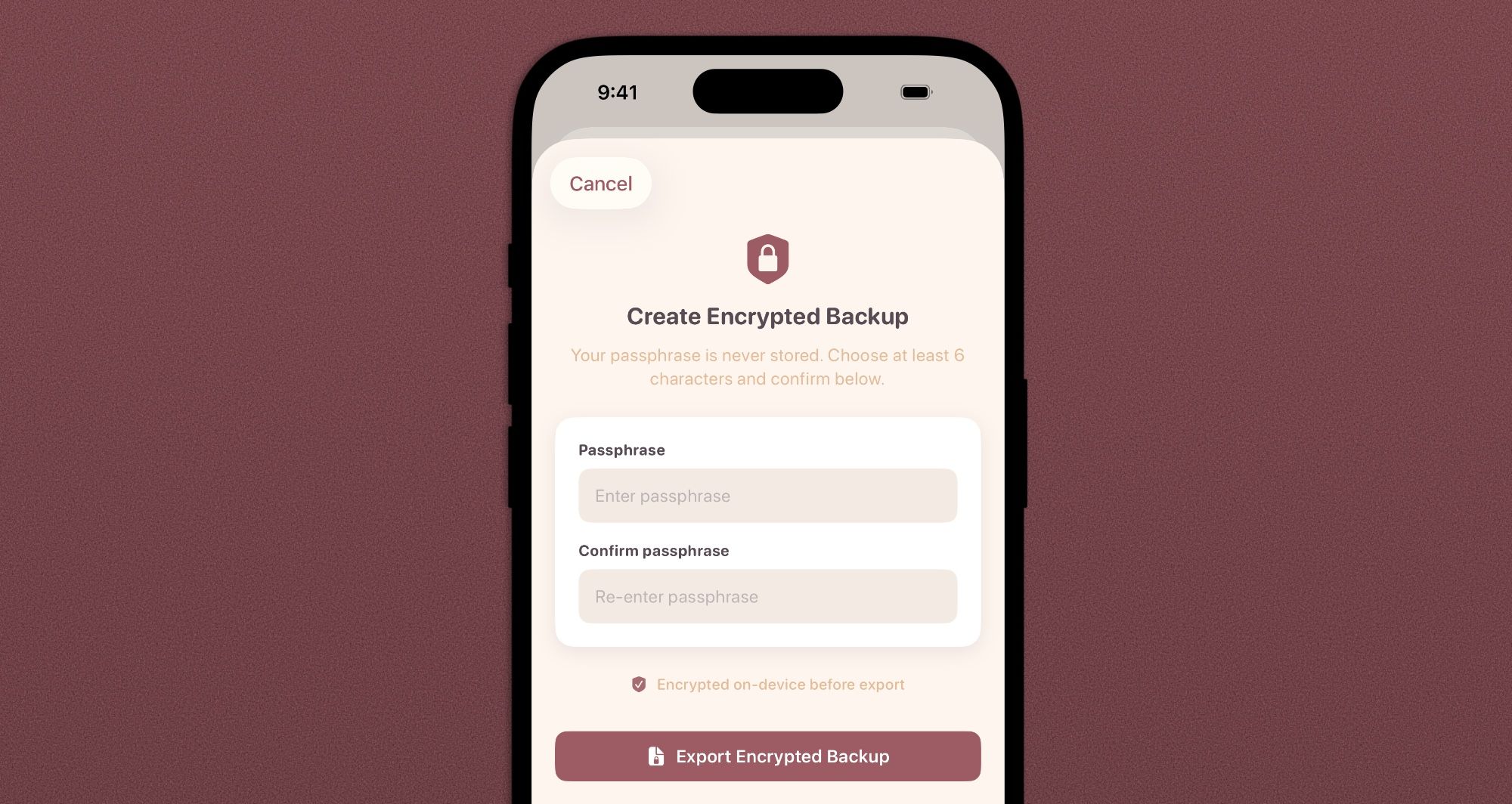
1

Enter a secure passphrase.

You'll be asked to enter it when importing.
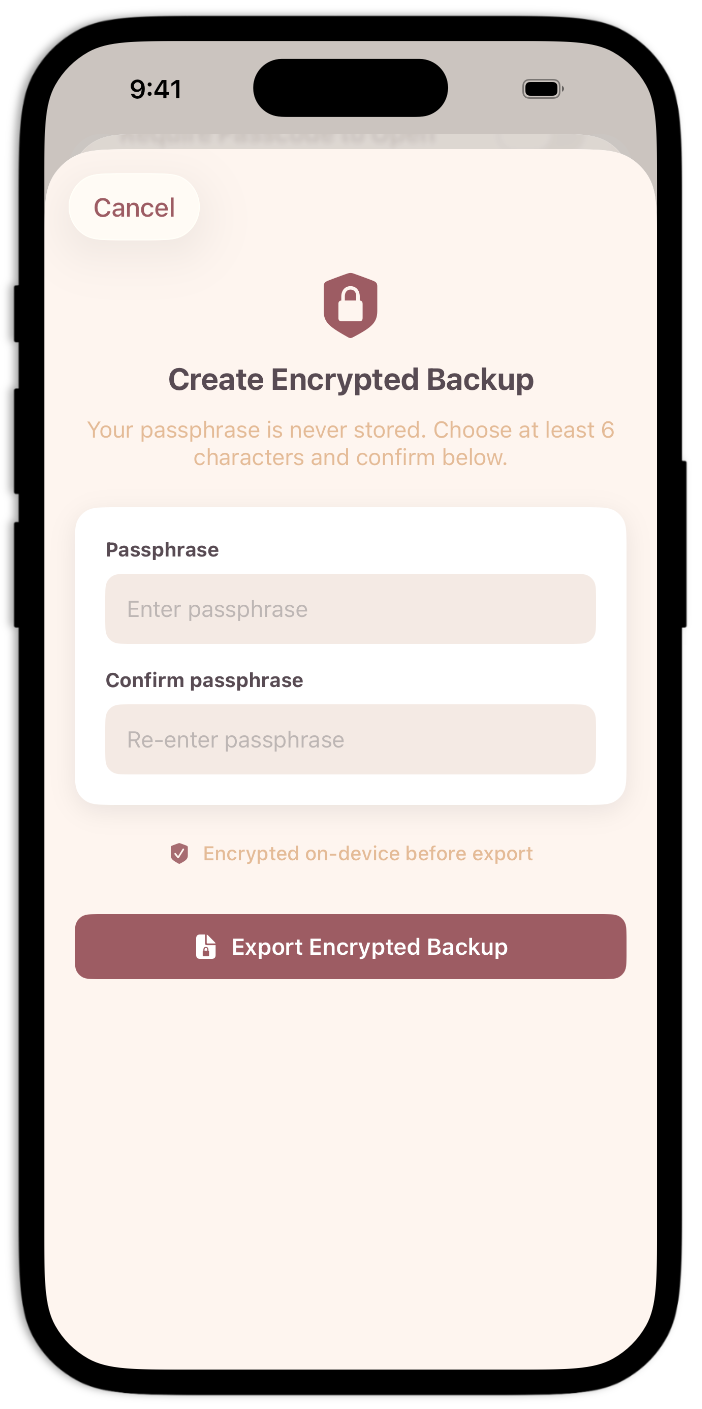
Create encrypted backup
Export encrypted backup
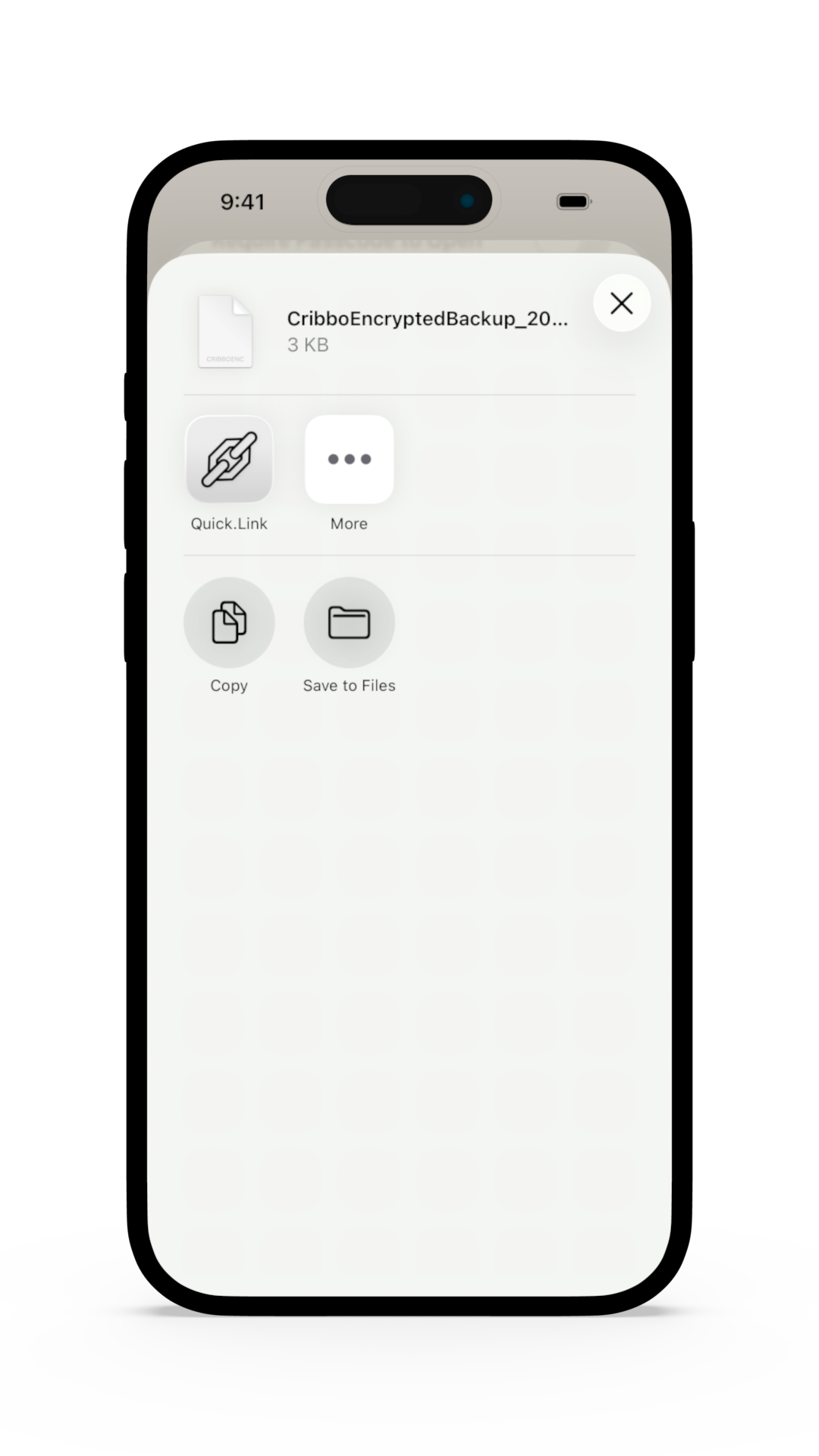
2

Save the backup.

Choose a secure location for the backup.

3

Enter passphrase.

To import, press Import Codes and enter the passphrase.
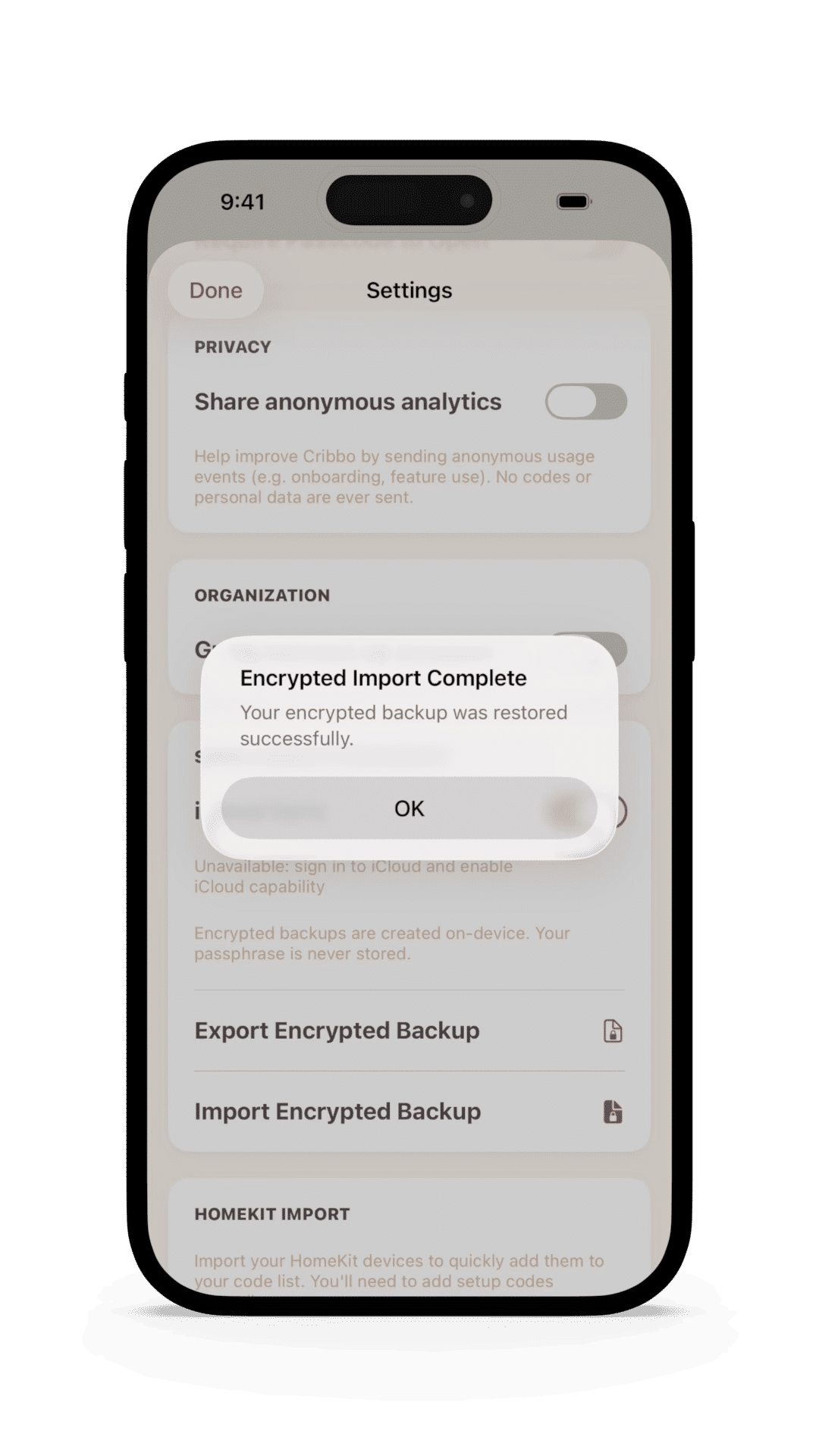
Import encrypted backup
The Feature List

All roads lead to Cribbo.

Cribbo has been designed with smart home obsession in mind, supporting every QOL feature any serious smart-home would need.

Cribbo feature overview
HomeKit Importing
Log drives, cameras, phones, and more with specs, purchase details.
Identify Devices
Create recurring reminders for backups, updates, cleanings, and warranty deadlines.
iCloud Sync
Sync your library across iPhone and iPad while sensitive details stay local on each device.
Biometrics & Encrypted Backups
Leverage the latest AI technology and generate actionable analysis.
Local and Cloud* models are available.
Matter Code Support
Organize your collection even further with SD Card Pools, a dedicated home for all of your SD and microSD cards.
Added in Home Status
View your devices at a glance with configurable widgets and quickly add new ones.
Guided Setup
Scan a connected device to automatically import useful metadata.
Device Details
Establish maintenance routines and schedules, and generate basic maintenance logs.
Available Now

Never lose a smart home code again.

Download Cribbo and start organizing your smart home codes.

Download on the App Store

Available for $1.99 as a one-time purchase.