Daylight
Golden hour, blue hour, twilight, and the week ahead.
Drone flight planning · Available now
Know before you launch. One focused view of the weather, light, airspace, and flight window that matter now.
Flyby organizes the scattered parts of preflight planning around a simpler question: is this a good time and place to fly?
Flyby reveal
A first look at the flight-planning companion built to help drone pilots know before they launch.
Watch the video
01 · Conditions
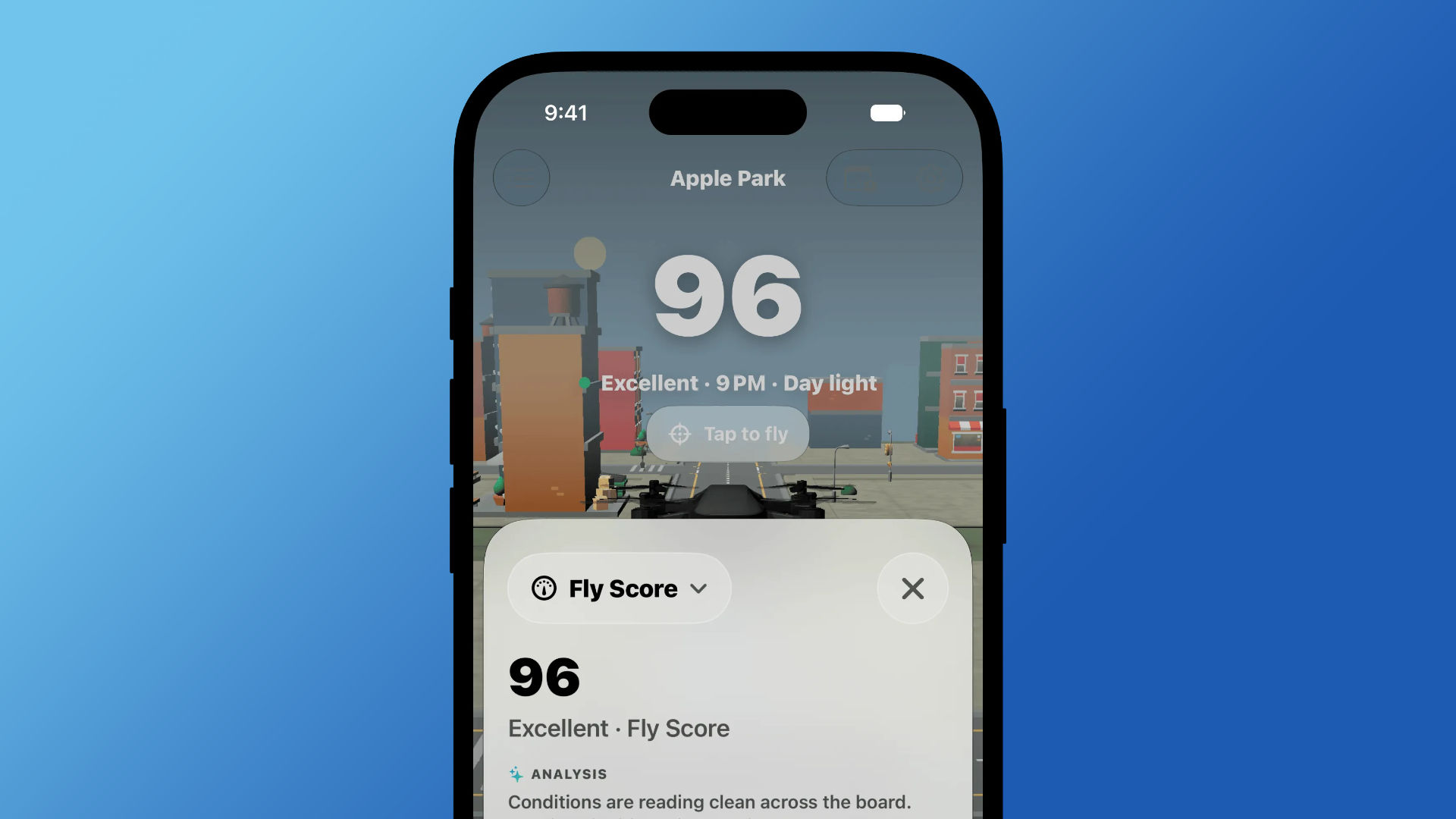
Wind, gusts, rain, visibility, cloud cover, daylight, and geomagnetic conditions resolve into one score you can understand at a glance.
02 · Personalization
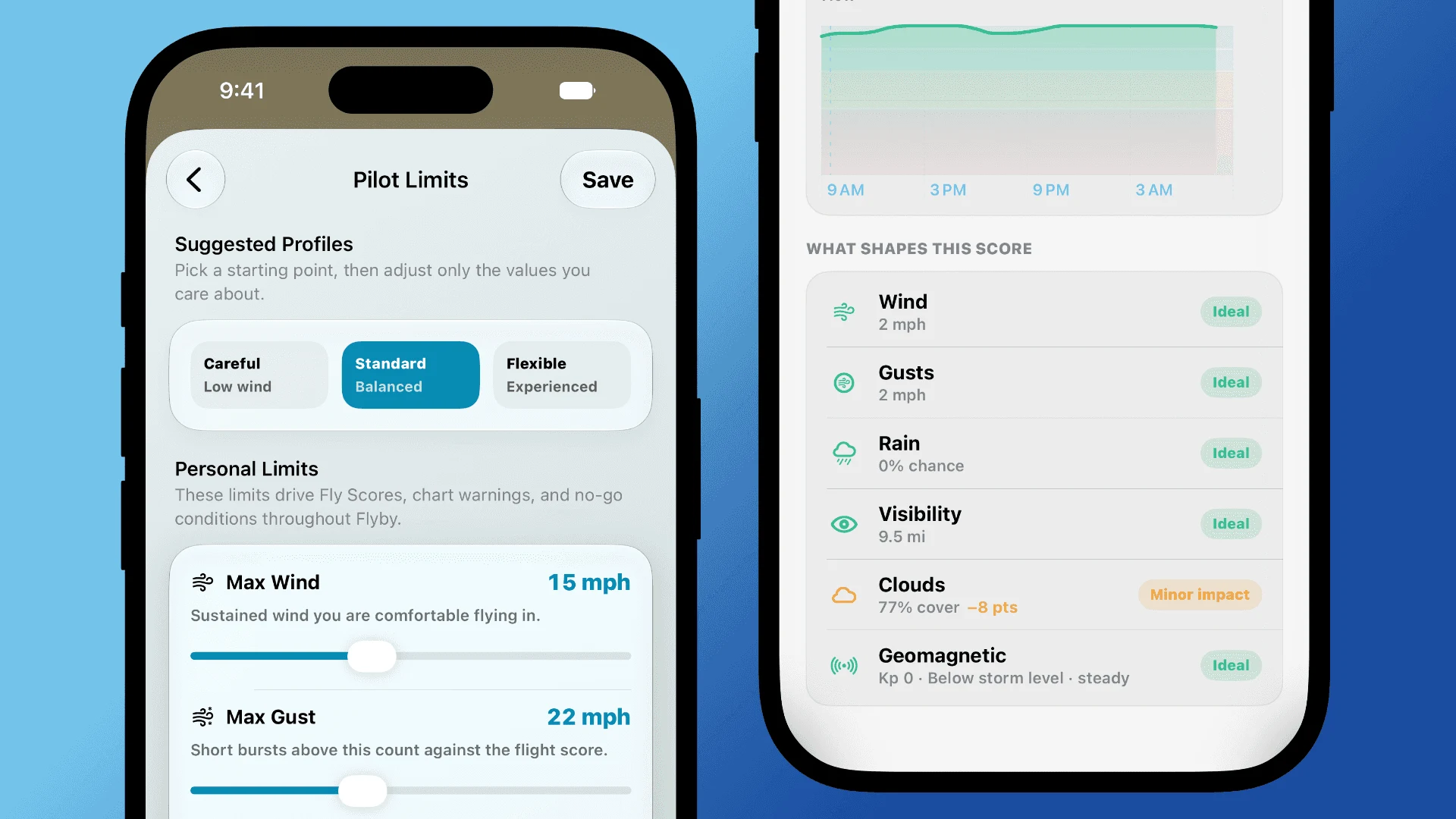
Start with a suggested profile, then tune the limits that reflect your aircraft and experience. Flyby shows exactly which conditions raise or lower the score.
03 · Planning
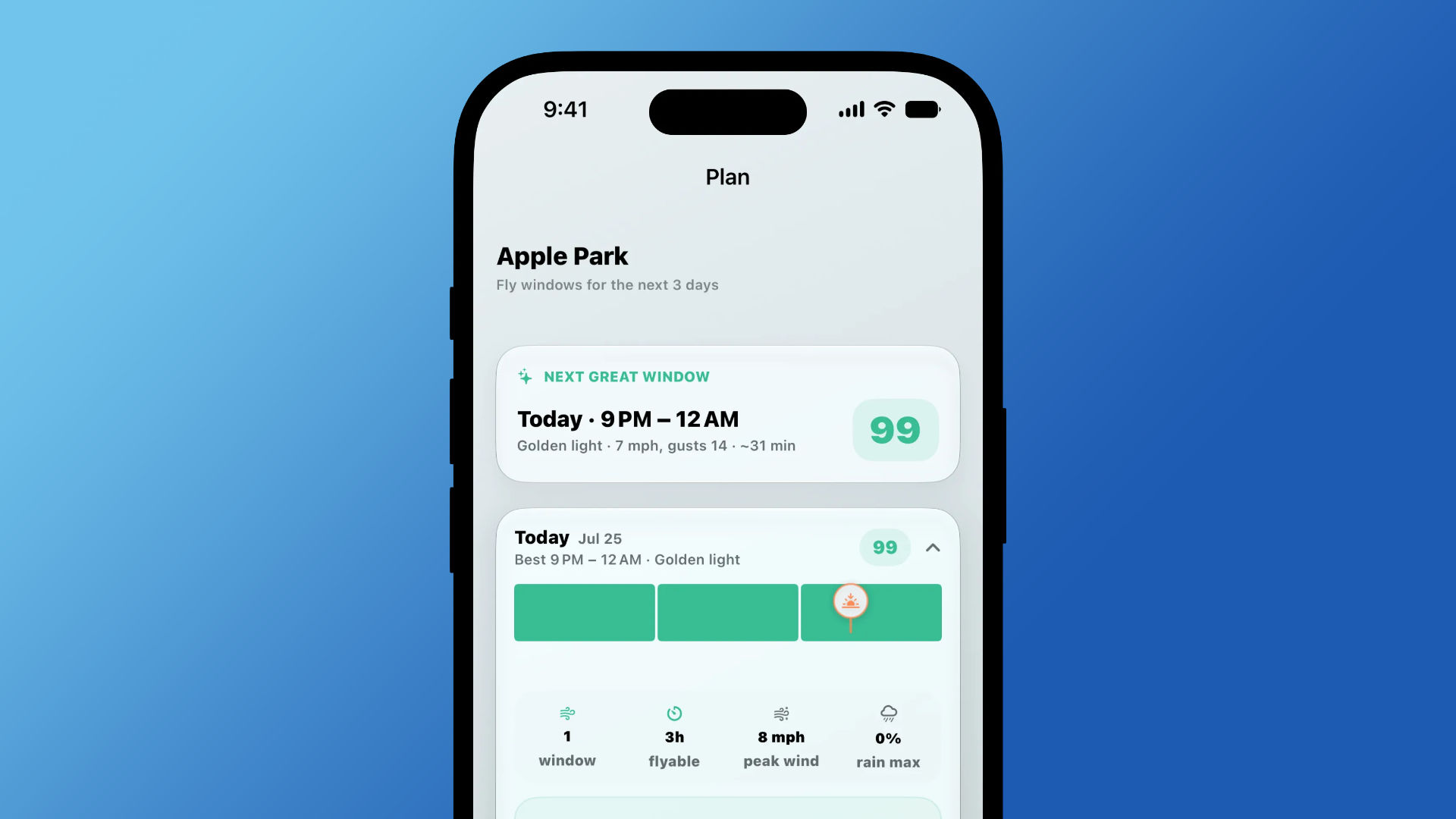
Scan the next 24 hours, two days, or three days. Flyby highlights good windows instead of making you decode a wall of forecast data.
04 · Airspace
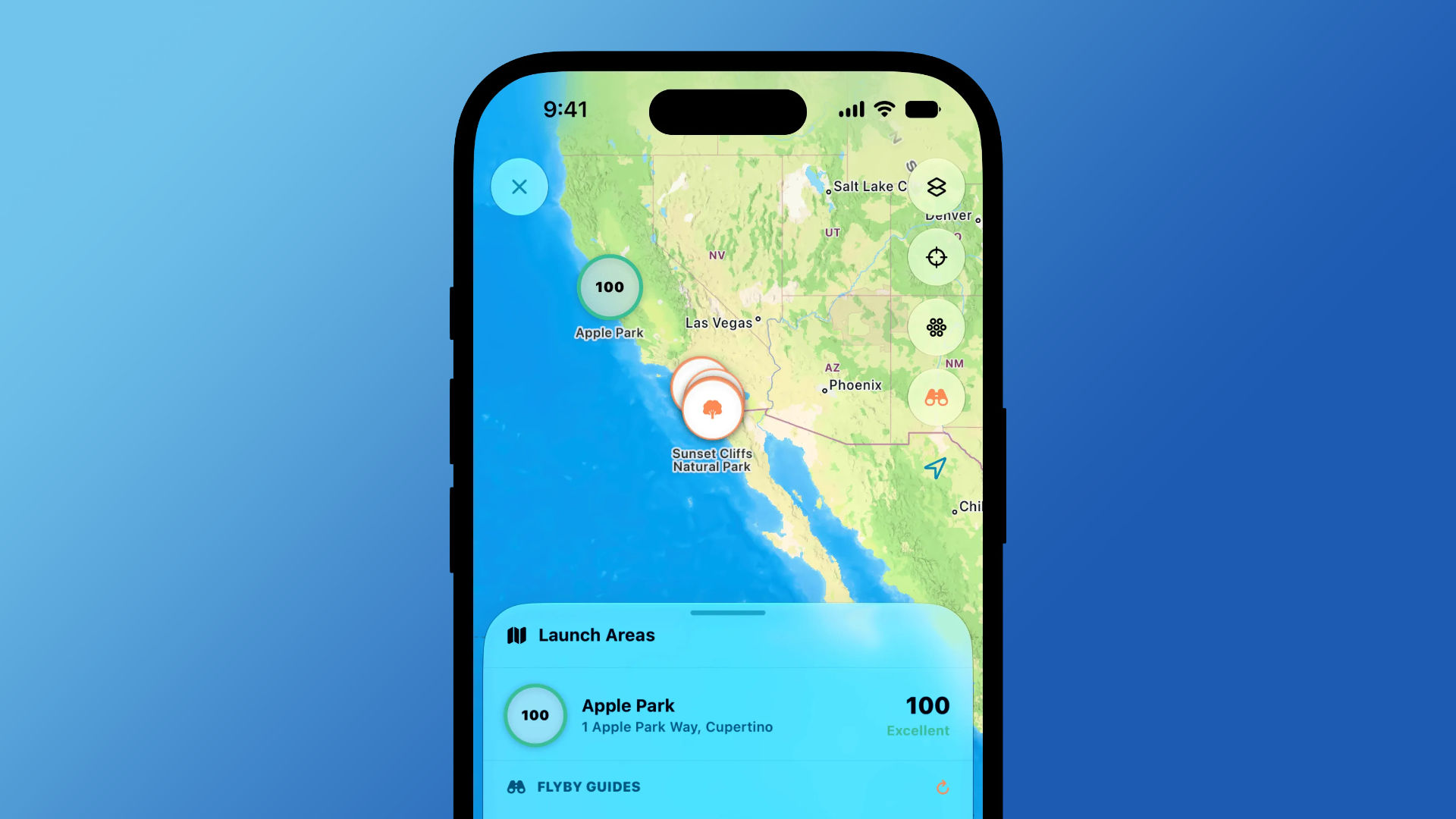
Saved spots, condition previews, FAA UAS Facility Map overlays, and LAANC context share one map without replacing official authorization.
05 · Logbook
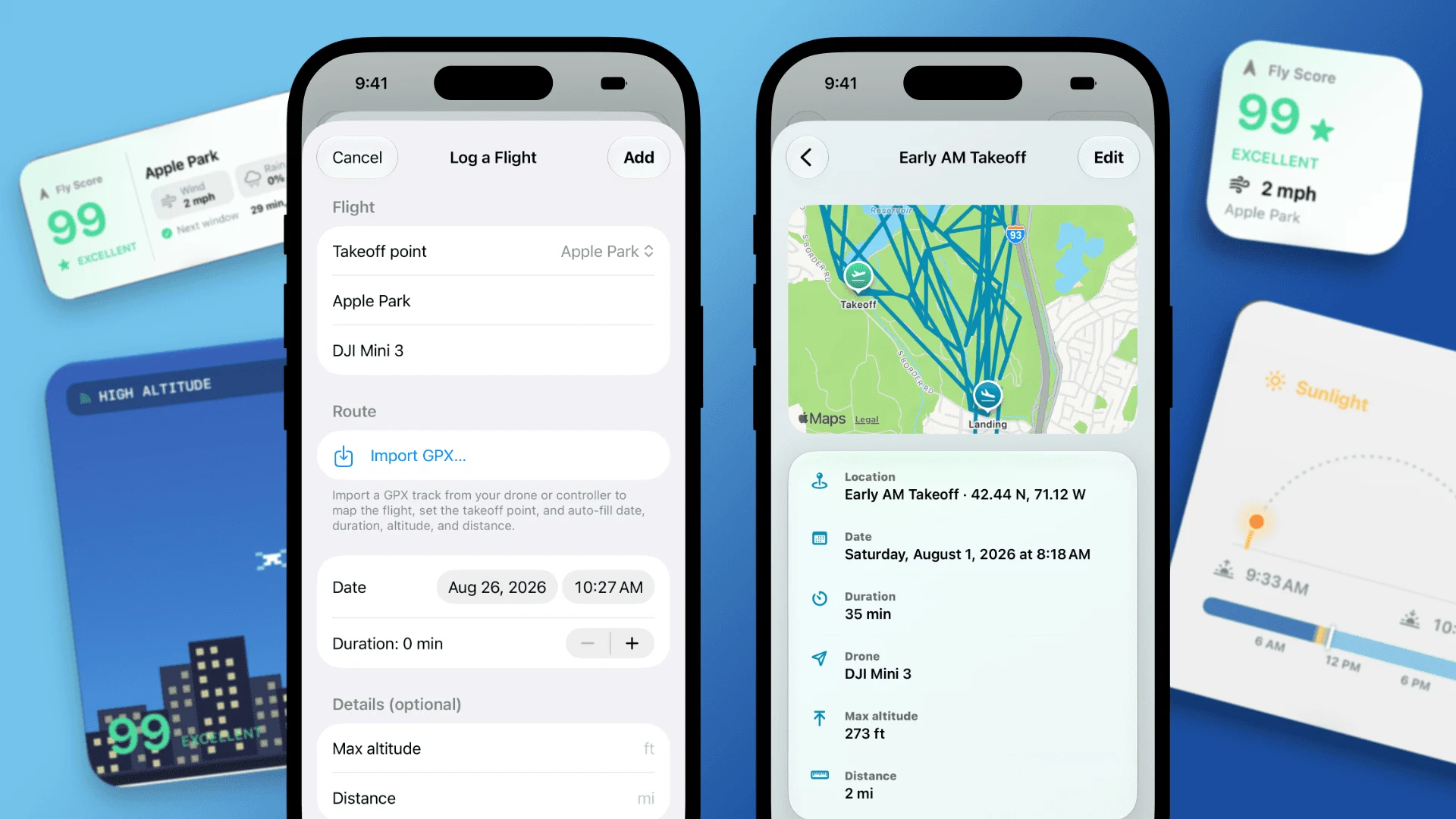
Log a flight manually or import a GPX track to preserve its route, duration, distance, altitude, aircraft, and launch point—all privately on your device.
Also included
Golden hour, blue hour, twilight, and the week ahead.
Keep the limits and battery assumptions for the drones you fly.
Usable time based on charge, reserve, payload, and wind.
The score and next good window without opening the app.
Between flights
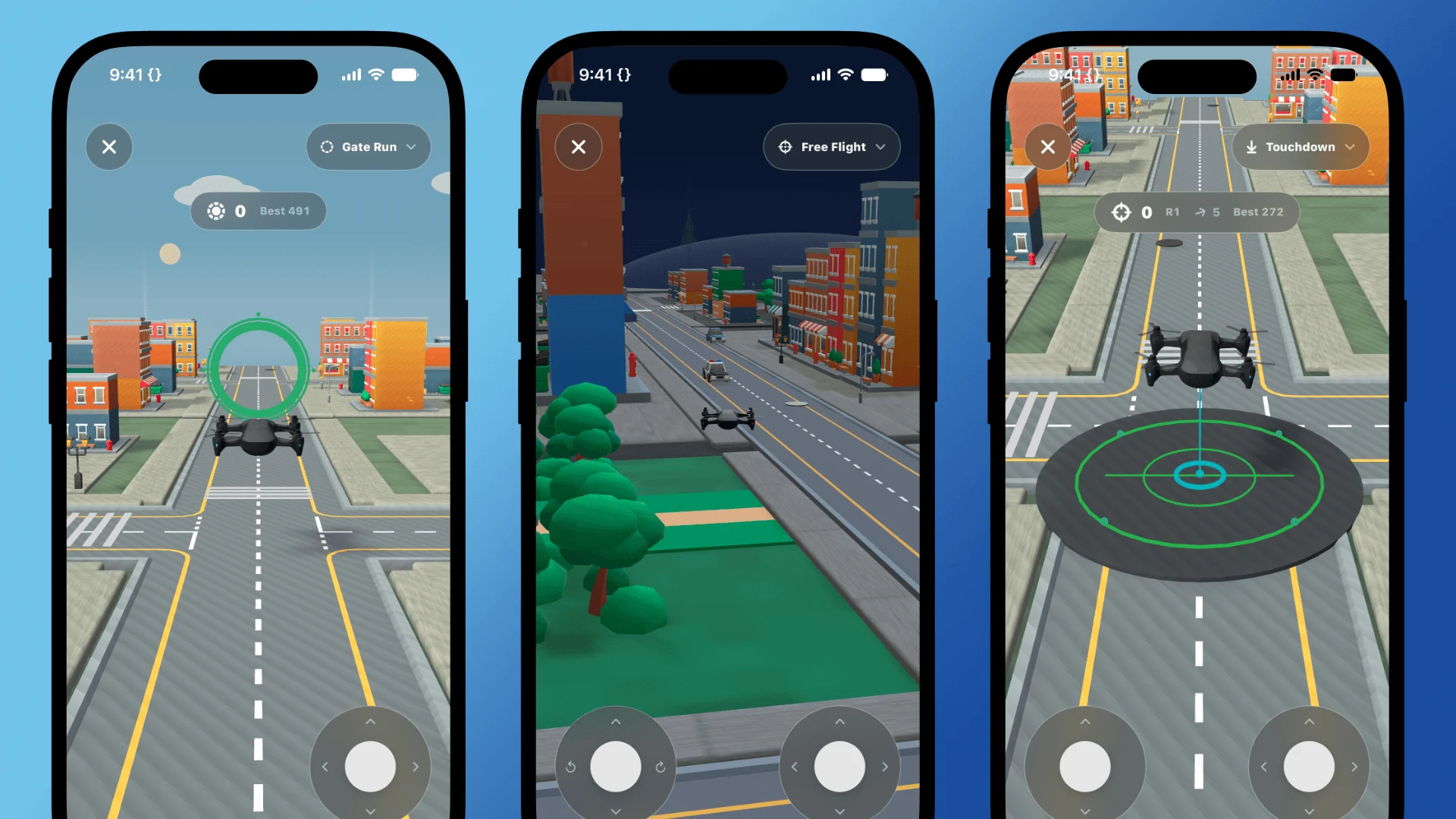
Flyby’s free-flight simulation turns downtime into a lightweight way to get comfortable with the controls. Explore freely or switch to focused Gate Run and Touchdown challenges.
Local first
Flight tracks, saved sites, and pilot profiles remain on your device. No advertising and no account required.
Privacy policy →Always verify current rules, restrictions, aircraft condition, people, wildlife, and launch access before flying.
Download it from the App Store and know before you launch.